
How to Auto-Play Animated Flow Visualization in Latex Presentation
If you’ve ever wanted to include animated graphics, in this case flow visualization from your CFD simulations directly into your LaTex Beamer slides – without opening a separated external player – This post is for you. Here’s a simple and effective way to embed auto-playing animations using animate package.
Step 1: Export Frames
To begin, you’ll need a sequence of image frames from your simulation. I used ParaView to visualize and export a series of PNGs representing each timestep.
pic.0000.png
pic.0001.png
. . .
pic.0020.png
This naming convention allows LateX to auto-load them as a sequence.
Check out my code repo to help with your scientific animations: https://github.com/Dhanushenoy/FluiX
Step 2: Add the Animate Package
In your Latex preamble, add this line to enable animation support:
\usepackage{animate}
The animate package gives you control over frame-rate, looping, and playback behavior – right inside a PDF.
Step 3: Embed the animation into your slide
Once you have the image frames, use the following command:
\begin{figure}[ht]
    \centering
    \animategraphics[autoplay,loop,width=0.8\textwidth]{8}{Figure/Test/Q8/q8.}{0000}{0019}
    \caption{Angle of attack = \$8^\circ\$}
\end{figure}
Here’s what the arguments mean:
- 8 -> frames per second
- {0000}{0020} -> start and end frame numbers
- autoplay,loop -> starts automatically and loops endlessly
That’s it!, when you present this slide in PDF readers like Adobe Acrobat, the animation starts playing as soon as the slide appears.
Step 4: Compile with the Right Engine
This only works if you compile your Latex using pdflatex, not xelatex or lulatex. I recommend compiling with this command if you’re using a terminal:
pdflatex presentation.tex
If you are using Overleaf, make sure to set the compiler to pdflatex under “Project Settings”.
Preview the Animation
Here’s a full looped animation, this is how it will look in your latex presentation.
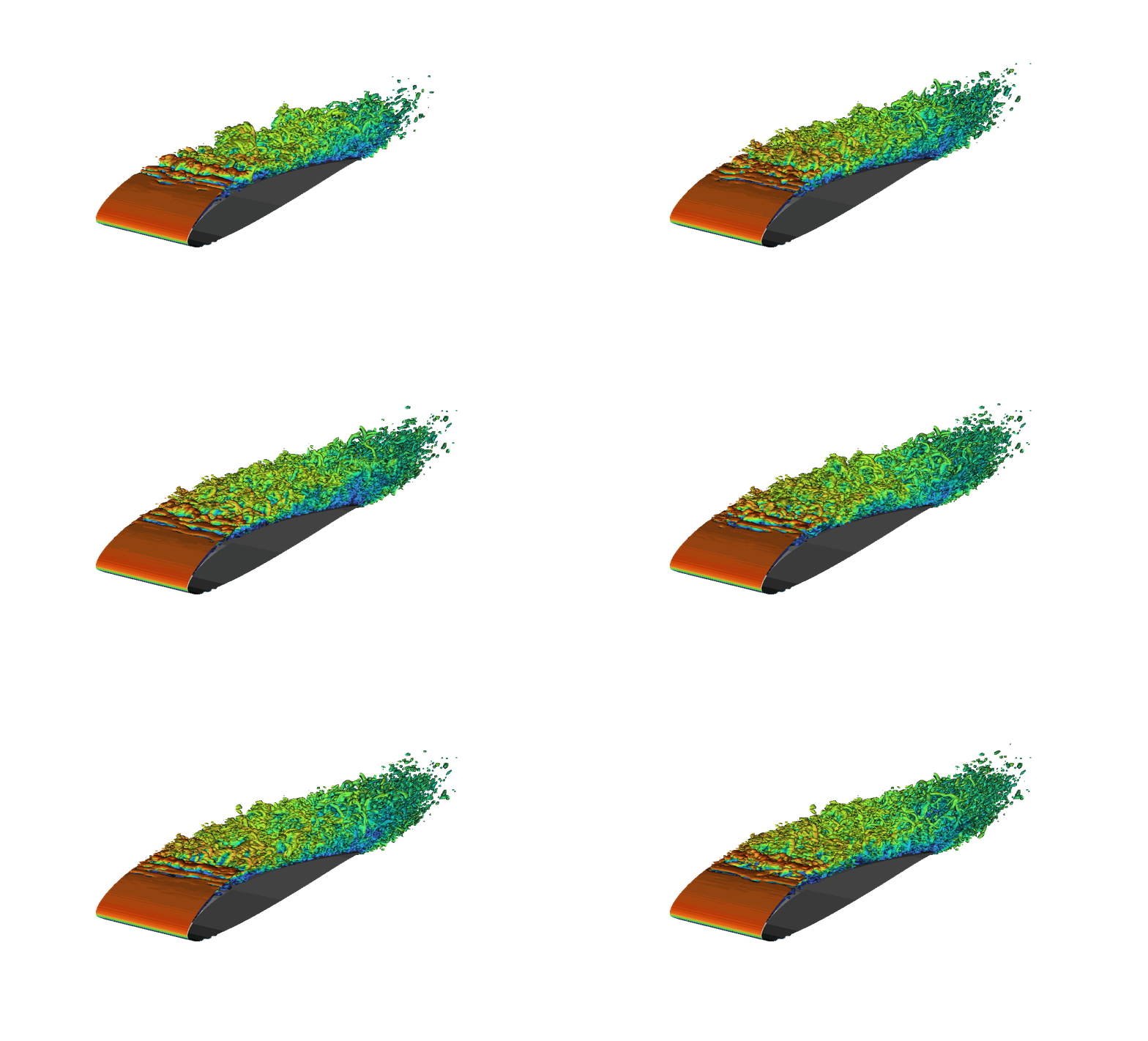
Thanks for reading — hope this helps you bring your simulations to life on the big screen.
— Ad Astra —